
Updates
iPhone/iPad Button

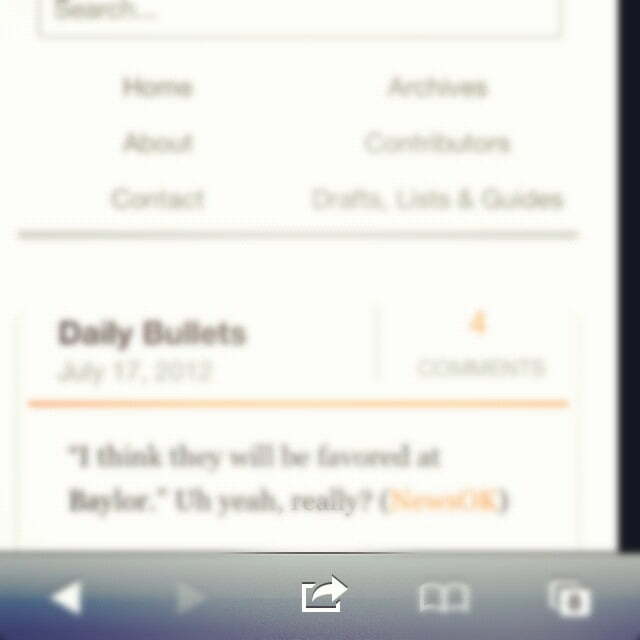
Another one of my favorite features about the new theme I’m using is how easy it is to create a nice looking button on the homepage of your iPhone or iPad.
It’s not functionally helpful as much as it is aesthetically pleasing. Here are three easy steps to sprucing up the first page of your phone/tablet apps:
1. Go to pistolsfiringblog.com on your device and click the arrow button (technical term, I know). There are pictures below.
2. Click “add to home screen.”
3. Voila!
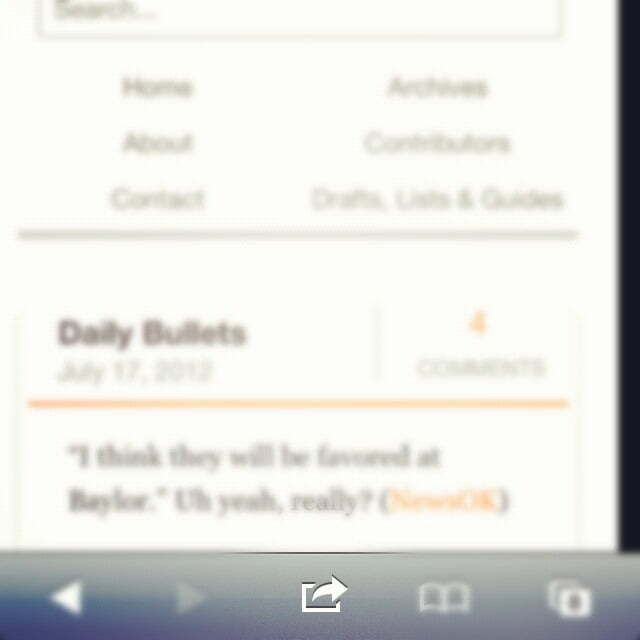
1.

2.
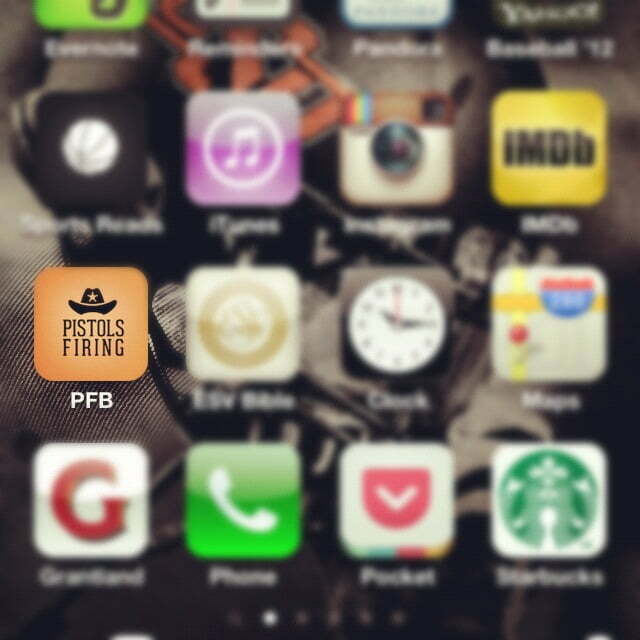
3.


Report: Big 12 ADs Have ‘Serious’ Talks about Not Playing Texas Tech Following Sorsby Ruling

1945 vs. 1988: What Was the Greatest Year in Oklahoma State Athletics History?

Oklahoma State Has the Big 12’s Best Trio of Offensive Superstars

Three-Star Offensive Lineman Chase Clark Commits to Oklahoma State

Oklahoma State Flips Three-Star Offensive Lineman Sonny Mullen from Houston

Daily Bullets (June 9): Sorsby Ruling Fallout

Ruby Meylan Named to OKC Spark Reserve Pool Roster
Report: Big 12 ADs Have ‘Serious’ Talks about Not Playing Texas Tech Following Sorsby Ruling

Sorsby’s Temporary Injunction the Latest Example of How Broken College Athletics Is

Daily Bullets (June 8): Cowboys Land Two Commits, Long-Tenured Coaches Becoming More Rare
-
 Football15 hours ago
Report: Big 12 ADs Have ‘Serious’ Talks about Not Playing Texas Tech Following Sorsby Ruling
-
 #okstate5 days ago
1945 vs. 1988: What Was the Greatest Year in Oklahoma State Athletics History?
-
 Football4 days ago
Oklahoma State Has the Big 12’s Best Trio of Offensive Superstars
-
 Football2 days ago
Three-Star Offensive Lineman Chase Clark Commits to Oklahoma State