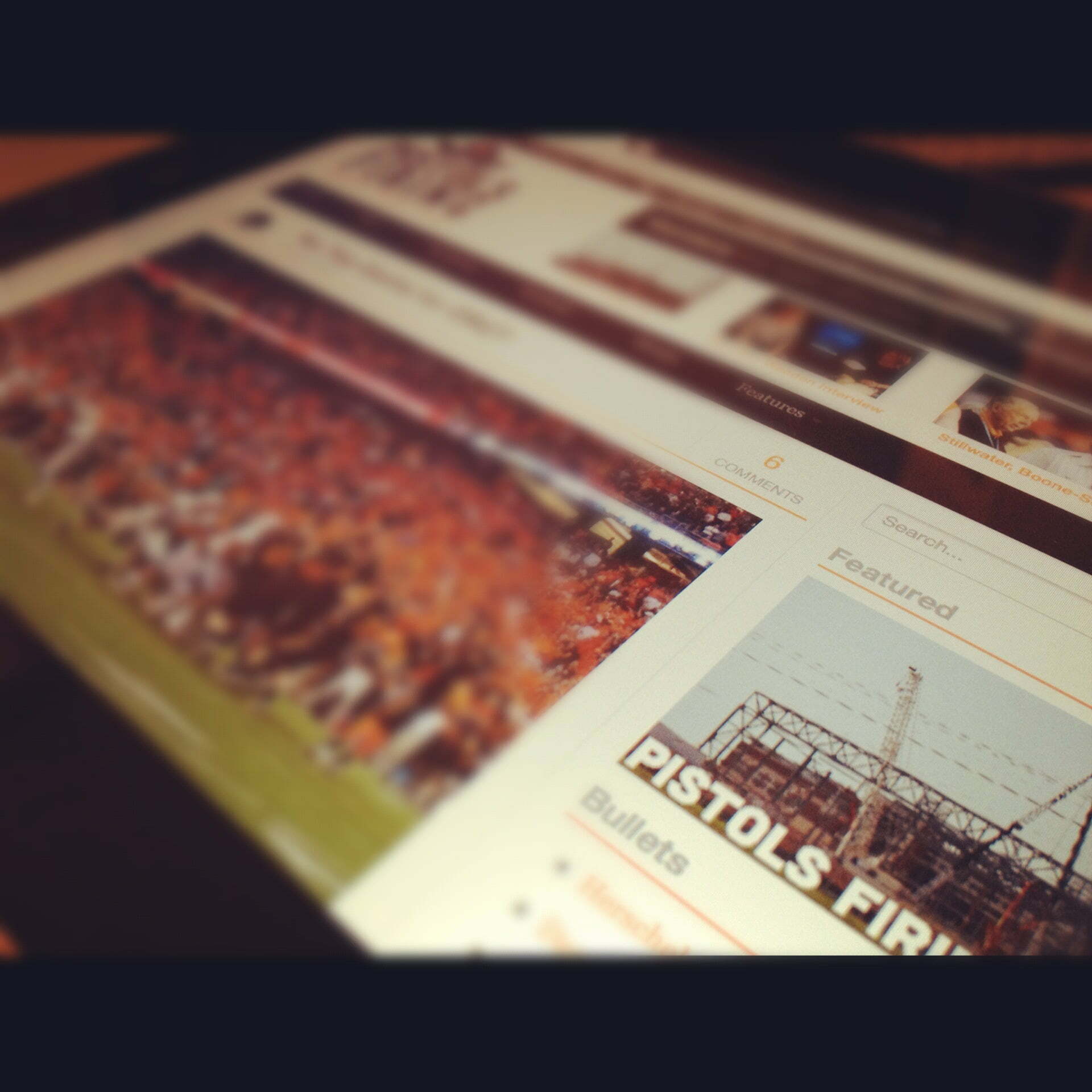
Welcome to the as-promised new layout.
Let’s take a quick walk-through before we get back to regularly-schedule programming.
When I decided to redesign the site a few months ago I did so with the following three goals in mind:
1. Make it cleaner and easier to read
2. Give you easier access to more content
3. Focus on making some money
I think I’ve definitely accomplished 1 and 2, but I guess 3 remains to be seen.
I’m excited to run you through all the things that have changed this week (you can keep track with the featured page image you see on your right sidebar) and I think you’re going to love them.
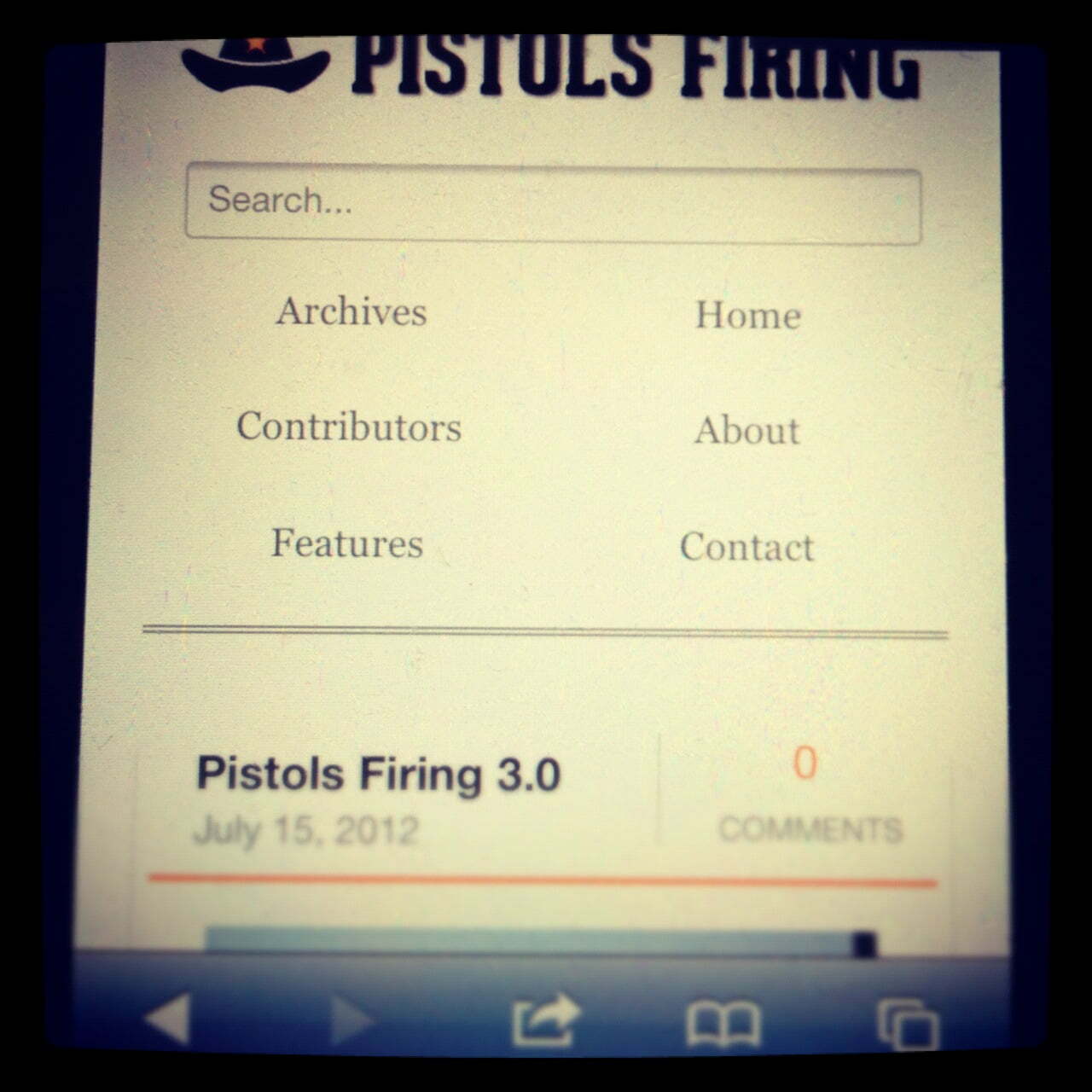
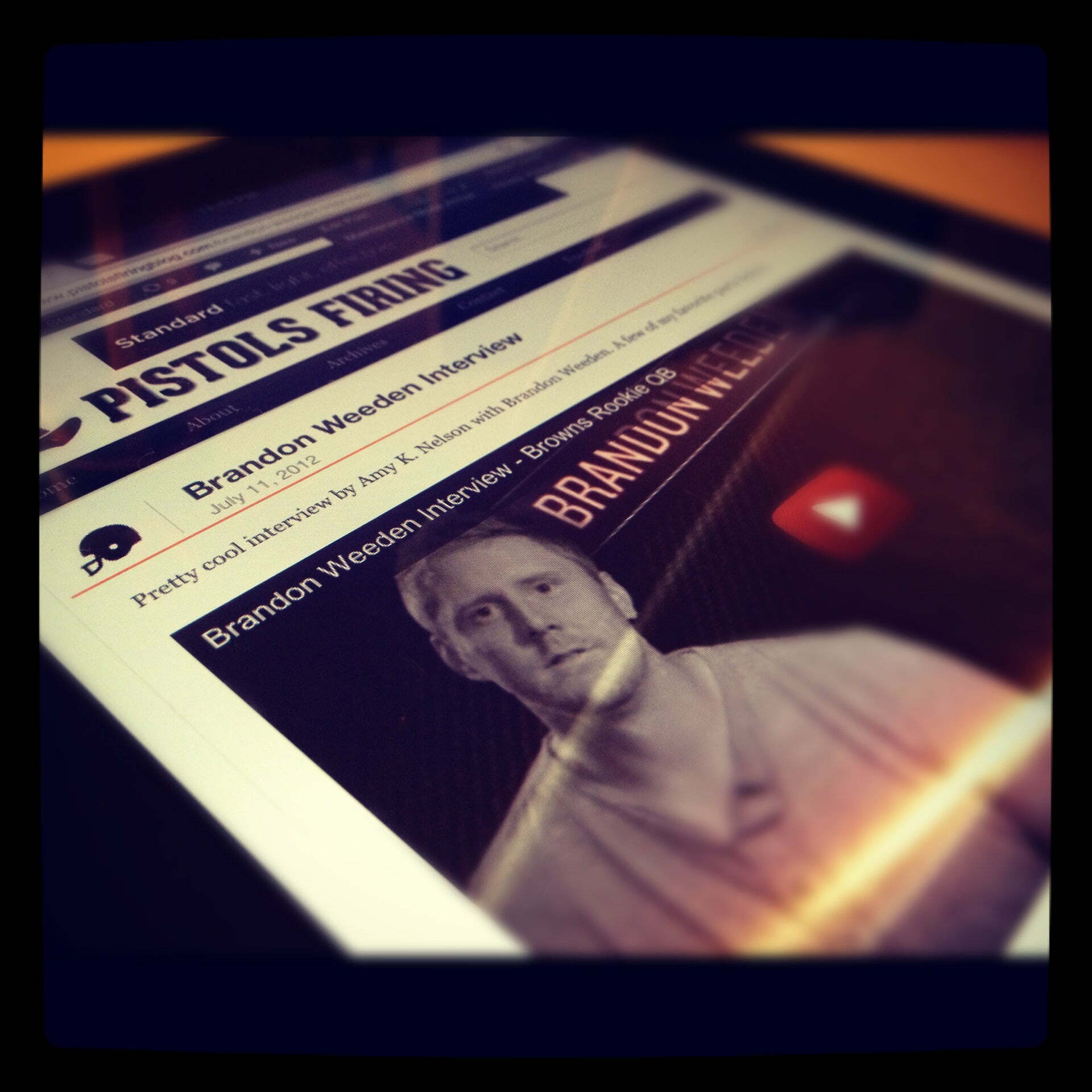
The first one we’ll look at it (and quite possibly my favorite feature) is the responsive layout. Basically what that means is that the site will conform to whatever device you’re viewing it with (see photos below).
If you’re surfing on your iPad, I’ve created a template specifically for you. If you’re browsing on your iPhone, I have you (looking at you, Nate) covered as well. This is something that’s becoming more prevalent on more sites and it’s pretty spectacular.
There’s plenty more to come and I’m about to start hitting the football posts pretty hard (plus I’m launching Sports Reads next week!) so I appreciate your patience as we work through things.
Also, please let me know if anything is buggy on any of your devices and I’ll do my best to fix it, kind of like the relationship between our football defense (screws it up) and our football offense (fixes it).
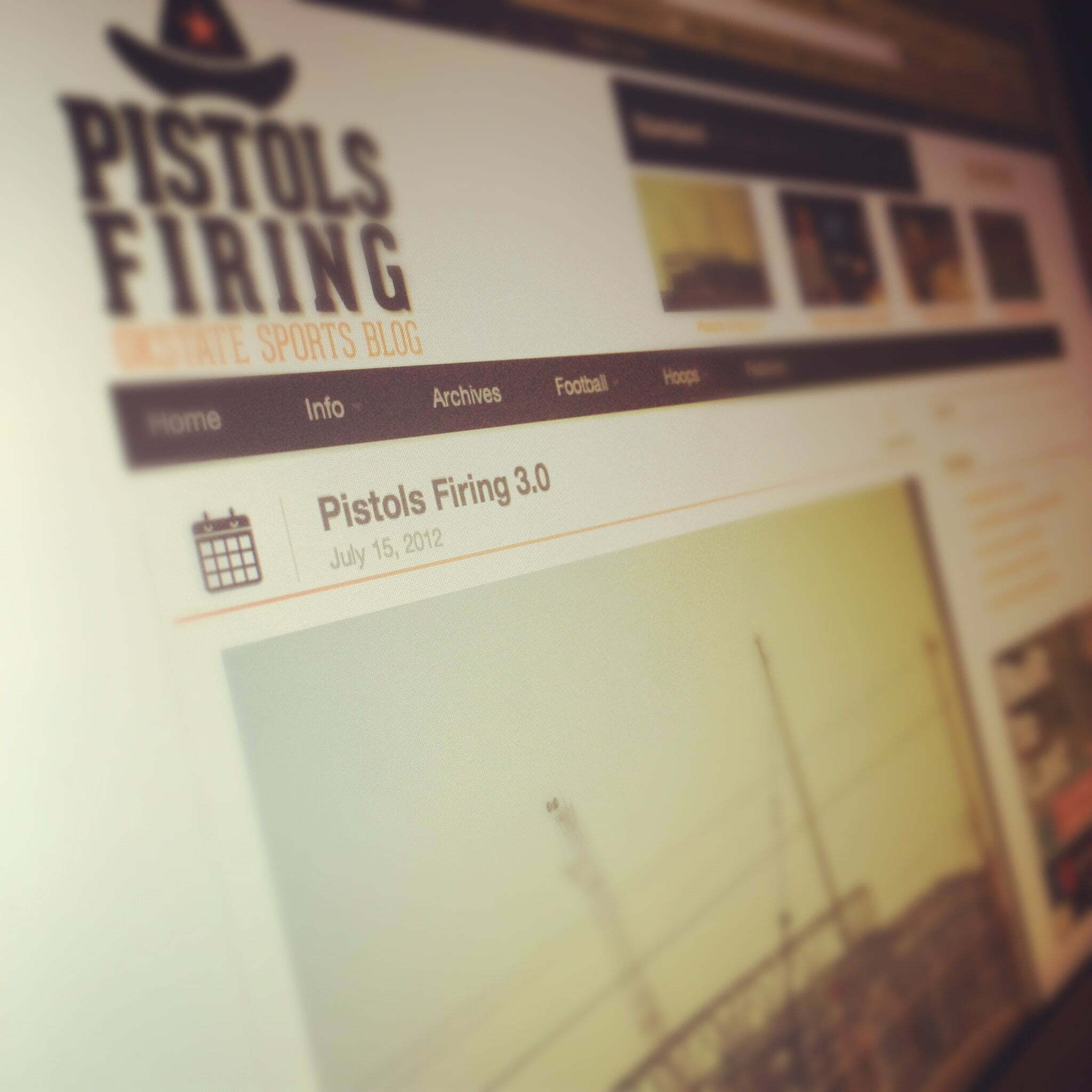


Nice layout.
Haha appreciate it (as I type this from a desktop… go figure)
Hah, that’s about right.
Like the look. Pages need a lot more ORANGE!
Schedule link doesn’t work
Fixed, sorry about that.
Is there a way to switch the layout from mobile to normal view?
You mean on your phone?
I don’t know about anybody else but about 75% of the time I would rather use the regular desktop layout on websites. I almost always find the regular sites more familiar or easier to use.
Gotcha…let me see what I can dig up on that.
I agree with Andrew. Sometimes I really wish sites would let me switch from mobile to desktop. My reasoning is that mobile never lets you re size a picture or text, it only comes one size. When you post an info graphic that is stuck in mobile it is very hard to read.
That makes sense.
The previous incarnation of the site had a toggle that turned mobile on/off (I prefer the mobile myself, but in case it helps).
I checked on this and it’s not going to be possible for the time being. I wish I had a solve but it’s built in pretty deep to the theme I’m using. Sorry, Andrew…if something comes available to solve it then I’ll implement asap.
photos were HUGE in my RSS feed, messed up the formatting
Interesting – I didn’t think about that, I’ll fix it in future posts.
You should be able to go into the HTML of the picture and define the size by adding “height=”xxx” width=”xxx” and that will format the picture for any reading device.
Yeah I can, I was leaving them big under the assumption that every platform would auto-resize but I forgot about the RSS readers…
Looks sharp. All it needs now is some filler. When can we expect the first Wes Lunt breakdown? I’m ready to see what our new gunslinger can do!
Haha, August 1 I’ll start pumping out football posts. I’m getting pretty excited for the season!
Nice work on the responsive layout, custom or from a theme?
http://www.standardtheme.com – buy the support license, you’ll never look back.
Thanks, but no need on my end, building custom CMS themes is what I do for a living.
I should have hired you, would have saved me like a billion work hours.
Maybe, but it wouldn’t have saved you money
Do you have a site?
Looks good on Firefox Desktop and, in case you care about us lowly Android users, it looks good there too
Nice job on the redesign, it looks clean on the IPhone and works pretty smoothly.
Just to help you out…
On the About tab, you have links at the bottom. But they aren’t “links”, and half of them are 404.
On Contributors your “long version” hyperlink doesn’t work.
Both fixed, thanks for the heads up.
Love the iPad version!
Any way to make the images open up without going to another page? As in, pop-ups you can click out of easily. (unsure of technical term)
Hm…not completely sure I know what you’re asking here but the images are stored on my site so any link to them goes to the original.
Ah gotcha. Yeah I try to stay light on the plugins to try and keep the site faster (it’s already too slow for my liking)…
This is a really great design and functionality update. This is worth the time, effort, $$ you put into it. It’s why I love the site and your writing. Your actually a sports geek that gets modern technology and the web. You also put your readers first. Much better experience than most douchey sports blogs.
Thanks Chris, really appreciate that!
I’m adding this because it took me forever to post that comment above on my iPhone with Disqus crappy mobile comments.
Sorry but it slows down your page loads and makes impossible to move the insert move and edit your comment before you post. I don’t know if it’s the java script of what but this happens on almost any site using Disqus on a mobile device.
I know there are not many other options out there (Intense Debate and Facebook ( yuk ) but that is only thing that could be tweaked.
Other than congrats on the new design. It’s great. Playboy … I mean Sports Illustrated is sure to hire you this year.
I’ll look into it, I know a lot of people (Daily Thunder, Awful Announcing) use Live Fyre…
Ya, it’s really the only thing I would change. It gets the job done, but if there is anything else out there, it’s worth the look into. There’s times where the comments section doesn’t load on my iPad or just slows everything down. No worries. The style looks clean and love the black thrown in the mix. PFB uniform update: White jersey, orange pants, black helmet (…Iowa St? Don’t remind us)
See Disqus make me look like English is my second language. Gah.
The format looks great on my iPad but it is messed up when viewing on my desktop.
What browser are you using?
Internet explorer
I’m guessing an older version because it looks fine in the newest version of IE. I’ll see if I can’t get this fixed. Sorry for the inconvenience.
I don’t know if that’s a good thing.